1298  

  • Call The World For Free - Mini-Guide, Part 1


    See immediately what readers had to say
    View 12 comments

    Do you want to make international calls at the lowest rates possible? If you didn't know, there are many Internet services that allow you to make low-cost phone calls to any mobile or landline phone on the planet using only your computer, your mobile phone or even a traditional telephone set. In this MasterNewMedia guide you will find all of the best services that can help you make free or almost-free, low-cost international phone calls to anywhere in the world.

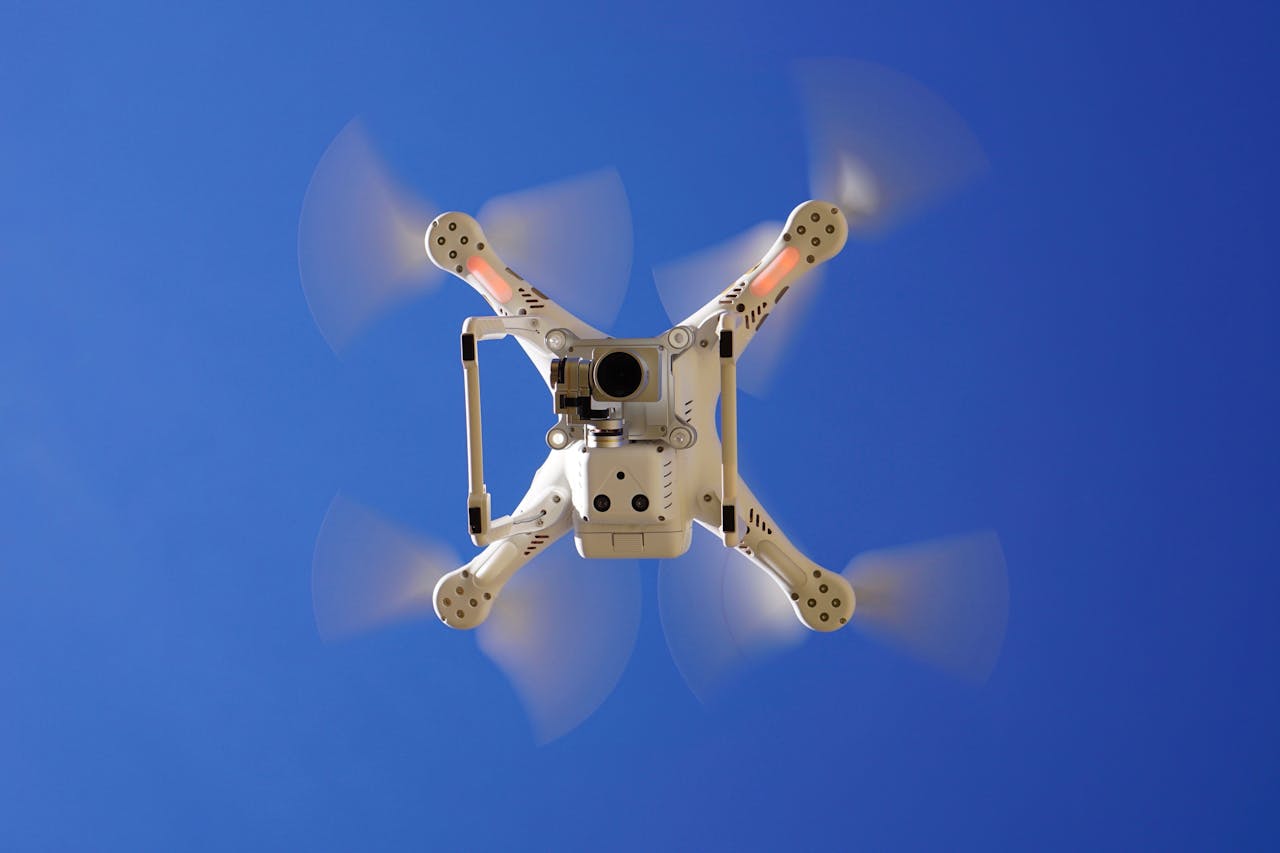
    call_the_world_for_free_low_cost_international_phone_calls_from_your_computer_to_mobile_landline_1938362_size485.jpg

    Photo credit: Photo-Dave

    To make cheap international phone calls via the Internet, one can utilize one among the many Internet-based VoIP calling services out there.

    All of these services allow you to place VoIP phone calls via one or more of your preferred communication devices:

    1. Via Computer: Instant messaging tools enhanced with VoIP capabilities like Skype, Yahoo! Messenger, Live Messenger and others, allow you to make cheap international phone calls among other users (e.g. Skype users can call other Skype users for free), but also let you call landline or mobile phones for very low rates.
    2. Via mobile phone: Recent mobile phones that support fast networking technologies like 3G or HSDPA can seamlessly make international VoIP phone calls. You only need to download and install the mobile application of your preferred service to get started.
    3. Via VoiP-enabled telephone: Several manufacturers produce telephones or external phone adapters that support the VoIP protocol. You can make VoIP calls just like you would make any other standard phone call. The only difference is that your phone must be connected to the Internet either via Wi-Fi or via a standard Ethernet cable.

    Once restrained only to computer-computer communications, the VoIP protocol has come of age during recent years and now you can make VoIP phone calls also from your landline phone, your Internet-connected mobile and any other device that is able to connect to the web at much lower call rates than with traditional telephones.

    Let's see an example of how you can save money to make an international phone call by using Skype, one of the services that has greatly fostered the adoption of VoIP technology all over the world.

    1. The first step is register online with Skype and buy some pre-paid phone credit. You can do this by using your credit card or an online payment service like PayPal.
    2. With that phone credit you can now dial, directly from your computer, any telephone number, landline or mobile out there on the planet while paying much lower rates than those charged by your traditional telecom provider.

    What many people do not know yet, is that services like Skype, can be accessed not only from desktop PC or laptop but also from many mobile phones that are Internet-enabled as well as from traditional telephones when matched to one of these low-cost international calling services.
    In essence, you can make cheap international phone calls by using any of the services reviewed in this guide, some of which allow you to call (and some even to receive) from your computer, while others allow you to make phone calls directly from your mobile phone or traditional landline.

    To make it easier for you to evaluate the best service to make cheap international phone calls, in this guide you will find a comprehensive mindmap, a comparative table and a set of reviews to help you make the right choice.

    Here the criteria I have used for my comparison:

    • Receive phone calls, not just make phone calls.
    • Send / receive SMS text messages
    • Voicemail service
    • Availability of a mobile phone version
    • Operating system supported

    Here's a roundup of the best tools to make low-cost international calls available out there.

    N.B.: The present roundup of tools to make cheap international phone calls is still incomplete. You may want to bookmark this page (simply hit CTRL+D on your Windows keyboard or CMD+D on your Mac keyboard) as I will be adding more services in the coming weeks.

    As a side note, I would always recommend to use a headset if you want superior phone call quality. Even if to make VoIP phone calls a headset is not compulsory, having an external mic and headphones can greatly help to reduce echo and ambient noise.

    How To Make Cheap International Phone Calls - Comparison Table

    How To Make Cheap International Phone Calls


  • Free IP Call

    freeipcall.JPG

    Free IP Call is a web-based service to make and receive free PC-to-PC calls and mobile or landline phones (Premium plan only). To start placing your calls, go register and choose the best plan for your needs if you want to call using a SIP Phone, a landline phone connected to a SIP adaptor or a SIP softphone. Free IP Call supports voicemail and SMS text messages only in the paid version of the service.

    http://freeipcall.com/


  • VoIPWings

    voipwings.JPG

    VoIPWings is an online VoIP calling facility for Windows that helps you make low-cost, long-distance phone calls from your PC to any landline or mobile phone. For placing your calls, you need only to register and purchase credits of $5, $10, $25, $50 and $100. After you select the amount of credits you want to spend on your calls, you will receive a PIN number via email that allows you to make and receive your calls. Additional features include: SMS text messaging, calls recording and caller line identification management.

    http://www.voipwings.com/


  • FreeCreditPhone

    freecreditphone.PNG

    FreeCreditPhone is a free online service that you can use to make and receive international phone calls by using landline phones, mobiles, PCs, smartphones (iPhone and Android) and Google Voice. To get started, just create a free account on the website. Then, add the contacts you want to call and get your free calling credits. Then, you can start placing your calls. FreeCreditPhone supports SMS text messaging, but it does not support voicemail.

    http://freecreditphone.com/


  • VoIPTalk

    voiptalk.JPG

    VoIPTalk is a free software for Windows that lets you make free and low-cost international calls from your mobile or landline phone, both for residential and business purposes. Just sign-up to the service and choose whether you want to pay with a monthly fee or in a pay-as-you-go fashion. Main features include: SMS, voicemail, free PC-to-PC calls (you need to have and configure a VoIP softphone first), a selection of incoming VoIP numbers for you to choose from, multiple business solutions, such as your own business broadband and VoIP number porting.

    VoIPTalk call rates

    http://www.voiptalk.org/products/index.html


  • VoIPCheap UK

    voipcheap.JPG

    VoIPCheap UK is a VoIP software for Windows to make low-cost international phone calls from your PC to any landline or mobile phone. Mac and Linux users can also utilize this software, but they will have to download a free softphone first.

    You need to register for free to VoIPCheap UK to buy credits and start making your calls. PC-to-PC calls are always free and unlimited. VoIPCheap UK offers free calls to some destinations in the world, such as France, the U.K and Canada, via the VoIPOut Rates functionality. The service supports SMS text messages and voicemail as well.

    VoIPCheap UK call rates

    http://www.voipcheap.co.uk/en/index.html

  •  


  • Last updated on: February 01, 2012
    Updates and additions - RSS feed

    12 Comments

    Page 1 of 9 | Next > | Last >>


    Search this site for more with Google


Updates and additions - RSS feed


Related Topics


More Topics


Selected Books

 
Web Statistics